Myzone MEPS Guide

Heart-rate based tracking has become a popular way to measure effort during exercise, and systems like Myzone use a point score so that people of different fitness levels can compare effort fairly. This guide explains how a MEPS-style system works in general terms, how to use heart rate zones and what to consider when comparing trackers. Details of products change, so always check the manufacturer's current documentation. More articles are on the magazine home page.
What Is Myzone and How Does MEPS Work?
Myzone is a heart-rate monitoring system that records your effort during workouts, usually through a chest or arm strap that connects to an app or display. MEPS stands for Myzone Effort Points. Instead of showing only calories or duration, it awards points based on how hard your heart is working relative to your own maximum.
The advantage is fairness. A beginner working at a moderate effort can earn a comparable score to a very fit person working at the same relative intensity. This makes effort tracking more motivating and meaningful for people at different levels.
Understanding MEPS Points and Heart Rate Zones
Heart rate zones divide intensity into bands, from very light to near maximum, based on a percentage of your maximum heart rate. Higher zones usually earn more points per minute than lower ones. Spending time at moderate and hard intensity builds points faster, while rest and easy movement earn little.
Maximum heart rate is often estimated from age, but individual values differ, so such estimates are approximate. Treat the numbers as a guide to relative effort. Remember that the aim is good training, not a high score at any cost. Easy sessions have a valuable place too.
Setting Up Your Myzone Device
Follow the manufacturer's instructions for pairing and activation. In general, you enter your personal details such as age, sex and weight, fit the strap snugly against the skin, moisten electrodes if recommended, and connect to the app before you begin.
Check that the strap reads sensibly at rest. A very high or erratic reading may indicate poor contact. Clean the device as advised and replace batteries or recharge when needed. Your data privacy settings should be reviewed in the app.
Using Myzone for Different Types of Workouts
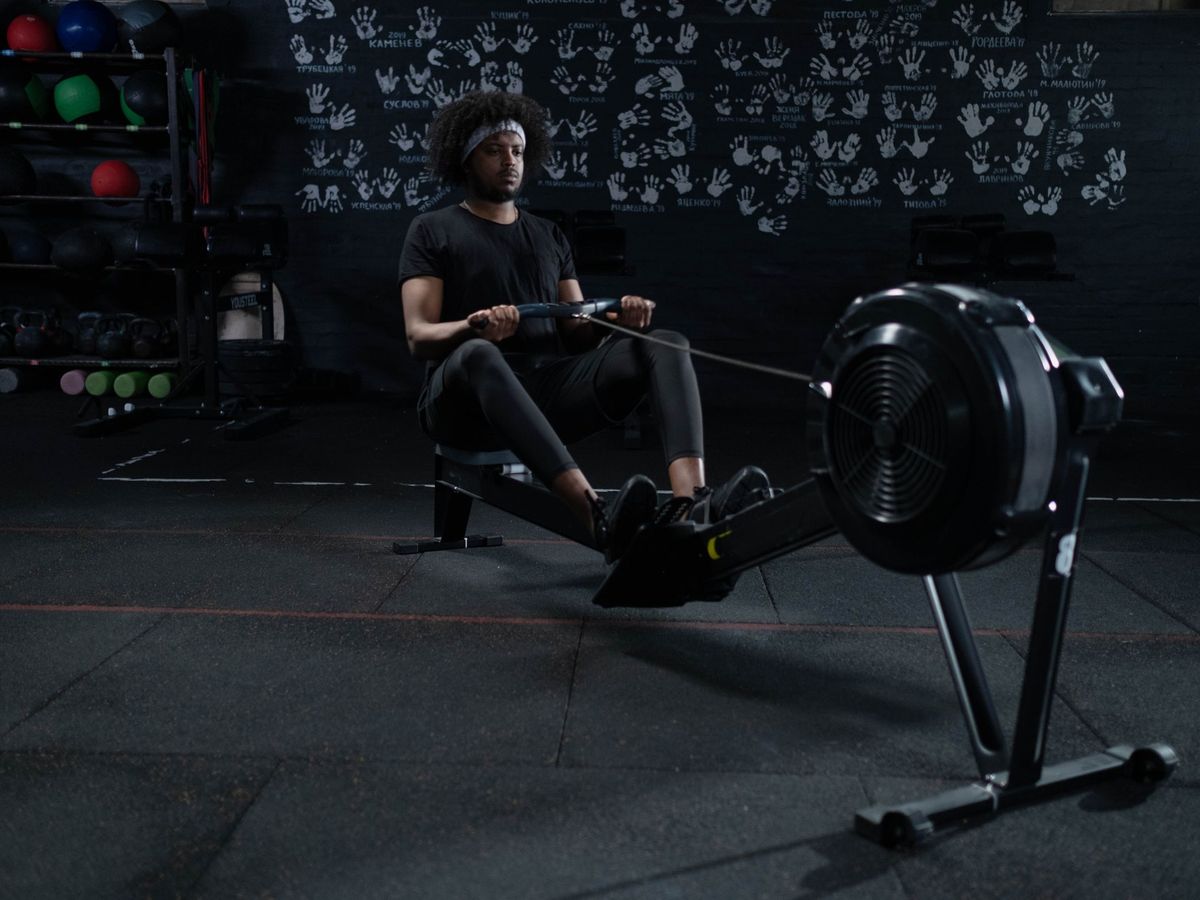
Heart rate suits steady cardio such as running, cycling and rowing, where it follows effort closely. In interval work it responds with a delay, so watch the trend across a round. In strength training, heart rate rises less clearly, particularly during heavy, low-repetition sets, so do not judge those sessions purely by points.
Use it for yoga or walking to see how gentle sessions register. Different activities will earn different scores, and that is normal. Combine tracking with notes on how the session felt.
Tracking Progress and Setting Goals
Set goals you can control, such as a number of sessions each week or a number of minutes in moderate zones. Review weekly summaries and look for trends: do familiar workouts feel easier, or is your resting heart rate gradually dropping?
Avoid chasing points through excessive training. Rest days and easier weeks help you perform better. If you have a heart condition or take medication that affects heart rate, speak to a doctor before using zone-based targets.
Myzone vs. Other Fitness Trackers
Chest straps generally measure heart rate more accurately during intense or rapidly changing exercise than wrist-based optical sensors, though wrist devices are more convenient for all-day use. Smartwatches add features such as GPS, sleep tracking and messages. A dedicated effort-points system gives a simple, consistent target.
When comparing options, consider comfort, battery life, accuracy, app features, compatibility with your phone and whether you need a subscription. Choose what you will wear regularly. For broader planning, see our fitness programs overview.
Tips for Maximizing Your MEPS Score
The most useful tip is to train consistently. Spend time at moderate to hard effort in sessions that suit your plan, use intervals where appropriate, and keep easy days easy. Warm up so your heart rate rises gradually, and stay hydrated.
Do not try to game the system by pushing through pain or illness. A high score is not worth an injury. If you have questions about this page, use the contact page.
Frequently asked questions
Is Myzone compatible with other fitness apps?
Compatibility changes over time and depends on the device and app versions. Check the manufacturer's current list of supported integrations. Many heart-rate devices share data with common apps, but not every combination works.
How accurate is the Myzone heart rate monitor?
Chest and arm strap monitors are generally regarded as more accurate than wrist sensors during exercise, provided the fit is good. Accuracy can still be affected by contact, movement and interference. Treat readings as useful estimates, not medical measurements.
Can I use Myzone without a subscription?
This depends on the current terms of the service and on how the device is supplied, so check the official documentation. Some features may require an account or a participating provider. Read the terms carefully before relying on it.